 VaultJot
TestFlight
VaultJot
TestFlight
VaultJot
TestFlight
VaultJot
TestFlight
VaultJot turns your Apple Watch into a direct line to your Obsidian vault. Raise your wrist, speak, tap once — your thought lands as clean Markdown in the folder you already trust.
Apple Watch + iPhone required. Free during beta.
Not ready to test yet? Get notified at public launch.
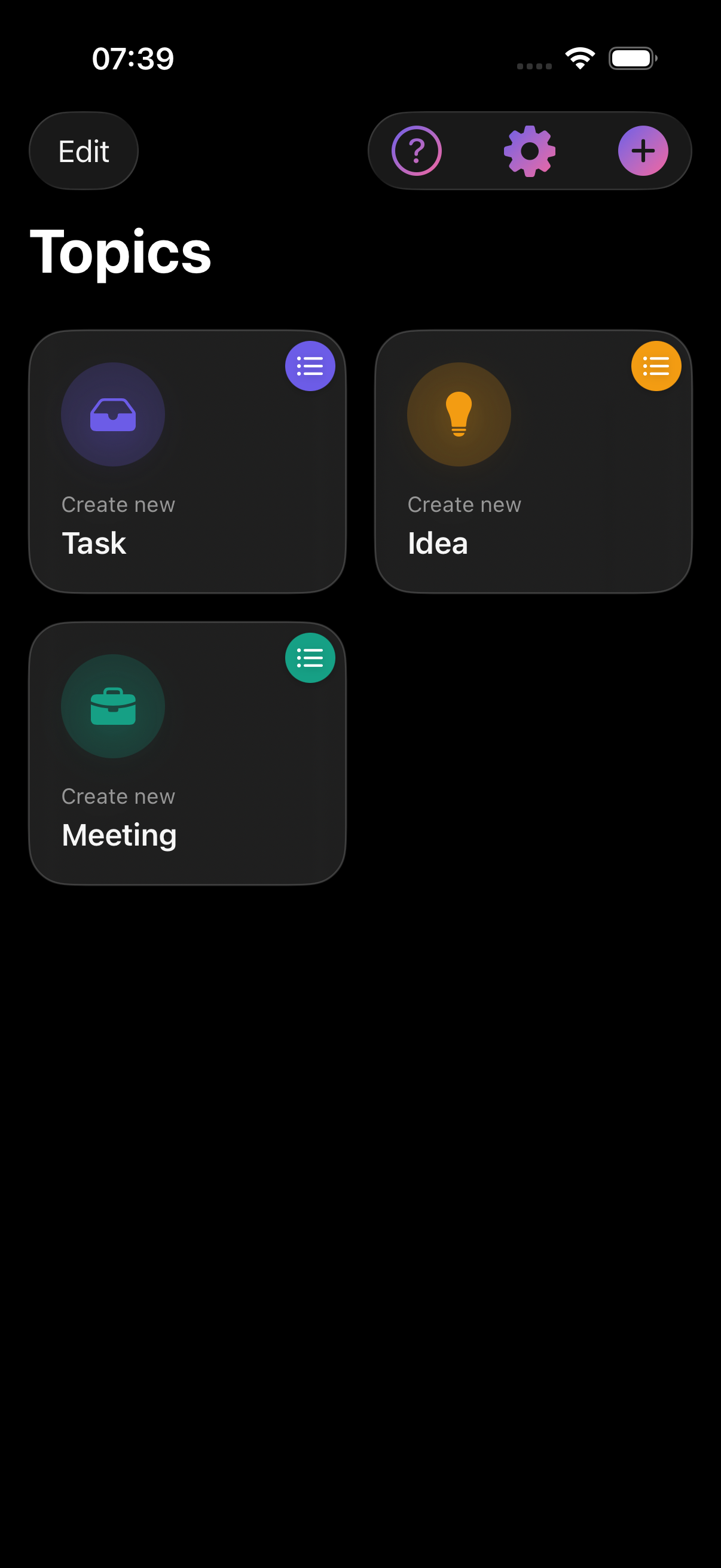
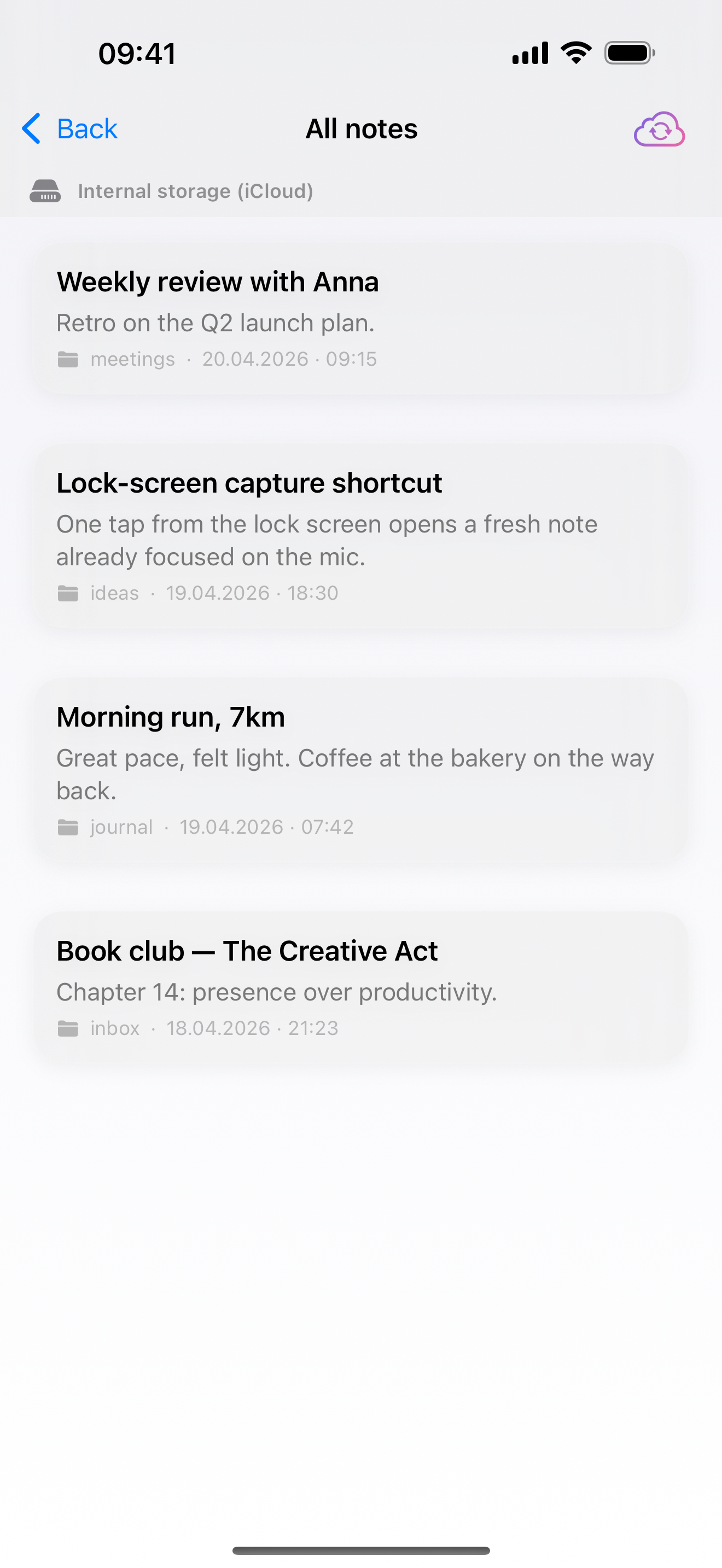
The phone stays in your pocket. The thought doesn't get lost.
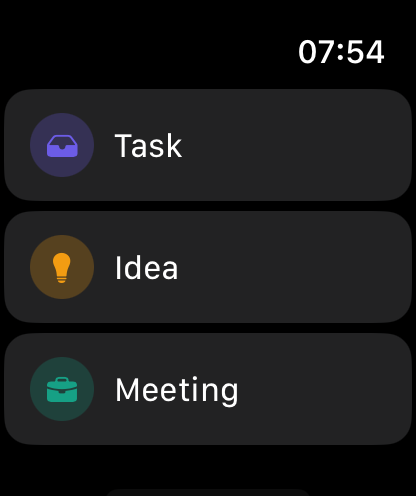
Three taps total — raise wrist, pick a bucket, speak. With a default topic set (or just one in your list), this screen is skipped.
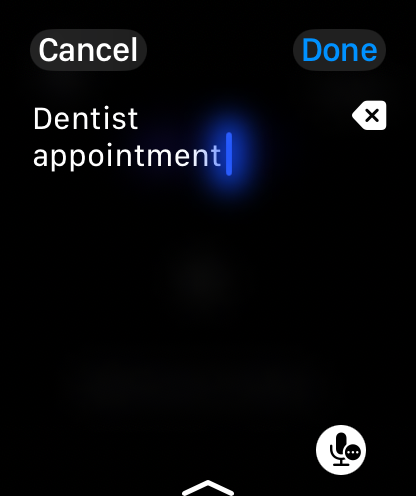
On-device dictation turns the thought into clean Markdown. Audio never leaves your wrist — only the text lands in your vault.
Three steps. Two seconds. Zero friction.
Tap the VaultJot complication on your Apple Watch face — the app opens and starts recording in one move. No phone, no unlock, no searching for an app.
Say what's on your mind, tap again to stop — on-device transcription turns it into clean text instantly.
Your note syncs to your iPhone and lands as a real Markdown file in the Obsidian folder you chose — daily note, inbox, project log.
Built for the moment between thought and forgetting.
Designed from day one for the 42 mm screen. Two taps max, big targets, cold-hand friendly. You catch thoughts on a trail run, in a meeting, mid-shower — without pulling out your phone.
VaultJot writes real .md files to a folder you pick. No plugin to install, no Advanced URI to configure, no QuickAdd template to maintain. Uninstall us tomorrow — your notes stay exactly where they are.
Voice transcription runs entirely on-device using Apple Speech. Nothing is uploaded. No audio leaves your wrist. The text file is the only artifact.
Captures queue locally if iCloud lags or you're offline. Reconnect, sync catches up, your thought shows up where it belongs — timestamped and intact.
Obsidian users who think in fragments — a sentence on a walk, a reminder mid-commute, a half-formed idea at 2 a.m. — and who already wear an Apple Watch.
If "I'll write it down later" has cost you more ideas than you'd like to admit, VaultJot was built for you.
No. VaultJot writes to whichever vault folder you pick — including a vault on iCloud Drive, which is free. If you already use Obsidian Sync, Dropbox, or Syncthing, it works there too. We don't touch your sync layer.
No. VaultJot is a standalone iPhone + Apple Watch app. It writes plain .md files to a folder inside your vault, and Obsidian picks them up automatically. Nothing to install inside Obsidian.
Yes. Captures are saved locally first. When your watch reconnects to your phone and iCloud catches up, notes sync to your vault automatically. Nothing gets lost on a plane or in a tunnel.
Transcription runs entirely on-device with Apple Speech. Audio is never uploaded, never stored on a server, never seen by us. Only the resulting text file ends up in your vault.
TestFlight beta is free for everyone who joins. Pricing for the App Store release is still being worked out — we'll keep it honest, and waitlist subscribers get the heads-up the moment it's decided.
No, and there won't be. VaultJot is built around the Apple Watch — watchOS complications, on-device Apple Speech, tight iCloud sync. That integration is the whole point. If you're on Android, the excellent Obsidian mobile app plus a widget is probably your best bet.
Right now, via TestFlight — the beta is open and free. Public App Store launch is targeted for mid-June 2026. If you'd rather wait for the public release, drop your email below and we'll send a single message when it's live.
TestFlight is already open — join the beta now if you want it today. If you'd rather wait for the App Store release, drop your email and we'll send a single message when VaultJot goes public in mid-June 2026.
We'll email you at the address above when VaultJot launches publicly in mid-June 2026. If you'd rather not wait, the TestFlight beta is open right now — join here.
We store your email address and, if you shared it, your Apple Watch model. That's everything. We use it solely to send you one notification message when VaultJot launches publicly. No newsletter, no analytics profile, no third-party sharing. You can ask us to delete your data any time by emailing hello@vaultjot.app — one sentence is enough. Full details in our Privacy Policy.
What early testers say